
Drivers get the load. You get the paperwork.
Load details, navigation, one-tap updates and chat with dispatch in a simple app.
Drivers do not want another login to babysit. The LoadPilot app shows what they need: the load, the route and the next step.
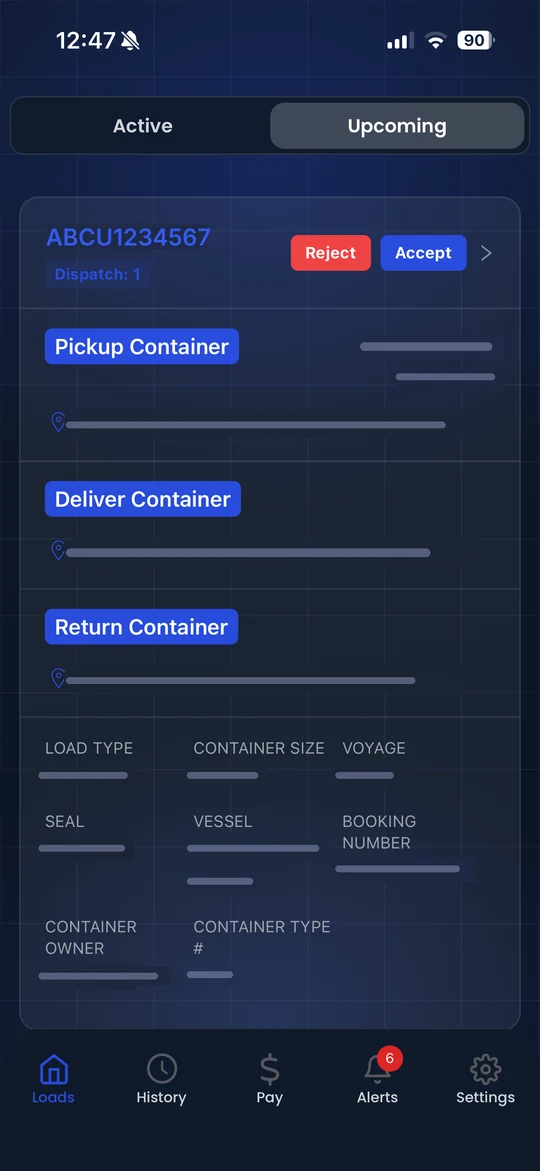
Less admin. Fewer mistakes.
Loads on their phone
Upcoming and active loads in two tabs, with pickup, drop and container details.
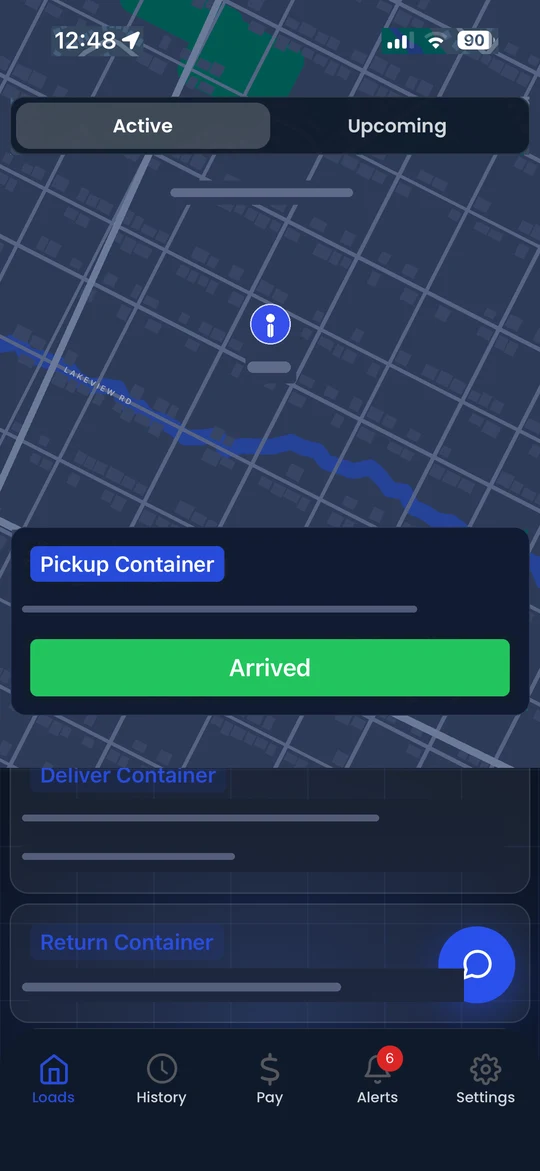
Navigation built in
A route map with distance, so the driver is not juggling three apps.
Chat with dispatch
Drivers and dispatchers message each other from the load, so questions get answered without phone tag.
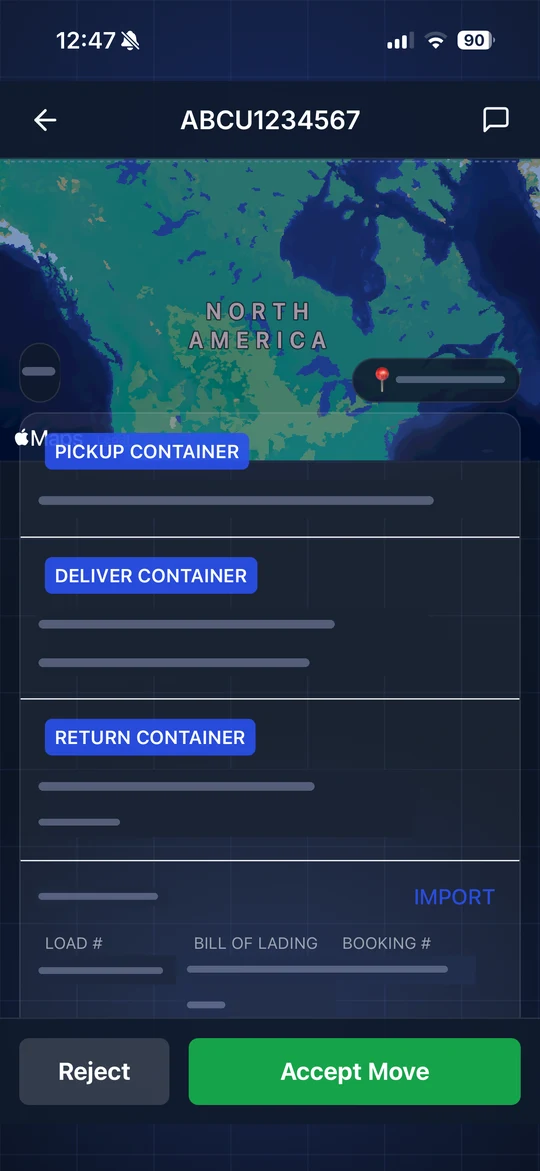
Everything on one screen.
Pickup container, drop container, appointment time, load type, size, SCAC and chassis. The driver sees what dispatch sees.
- Upcoming and active tabs
- Pickup and drop locations
- Equipment details at a glance
- Chat with dispatch from the load
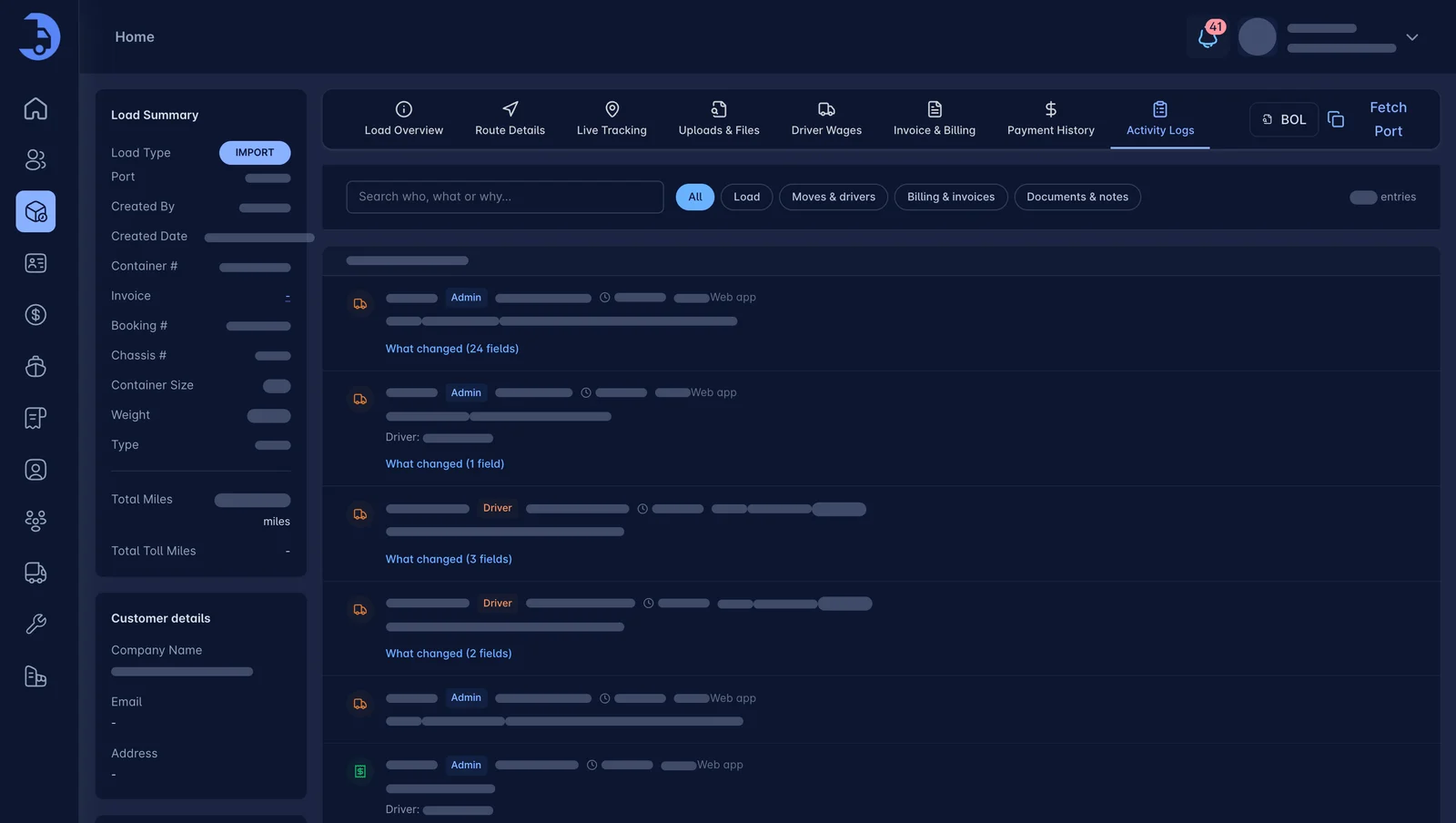
Updates land on the load instantly.
When the driver taps a status, dispatch sees it in the activity log and on the live map.
- Every update logged with time and user
- Live location on the map
- Driver and dispatcher chat on the load
Everything a driver needs.
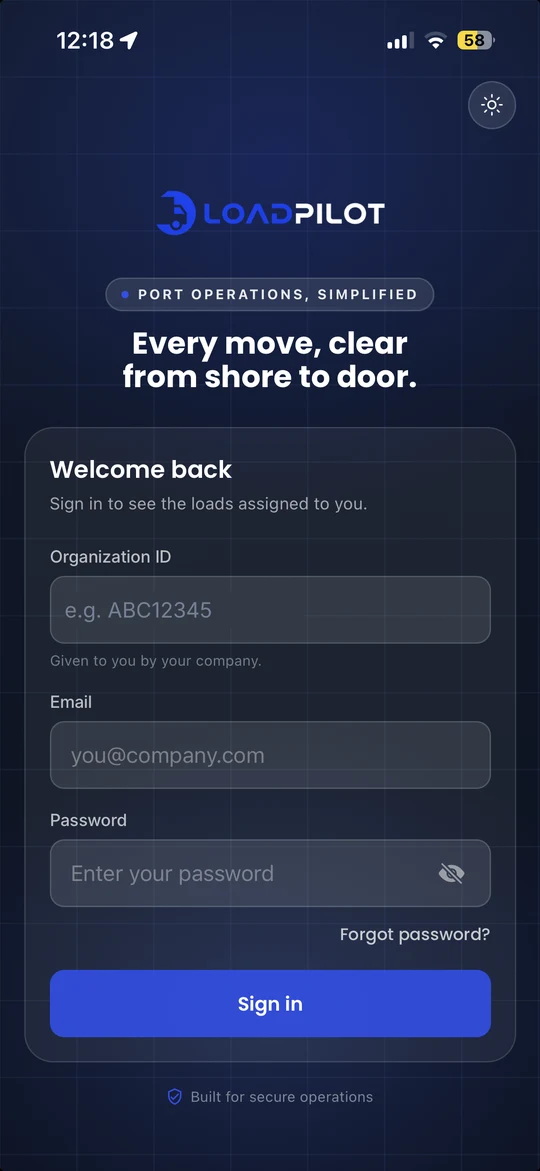
Eleven screens from the LoadPilot driver app, shown with sample data.
Loads
Accept or reject new dispatches with the full pickup, delivery and return plan.
Active load
Map, next stop and one-tap Arrived.
Load details
Addresses, equipment, bill of lading and booking in one place.
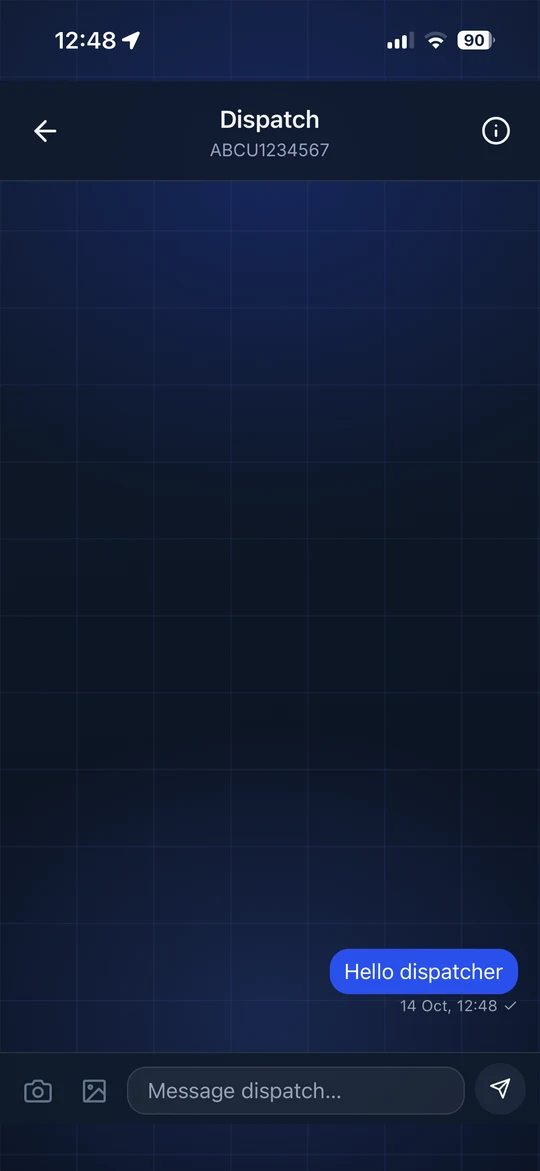
Chat with dispatch
Message the office from the load.
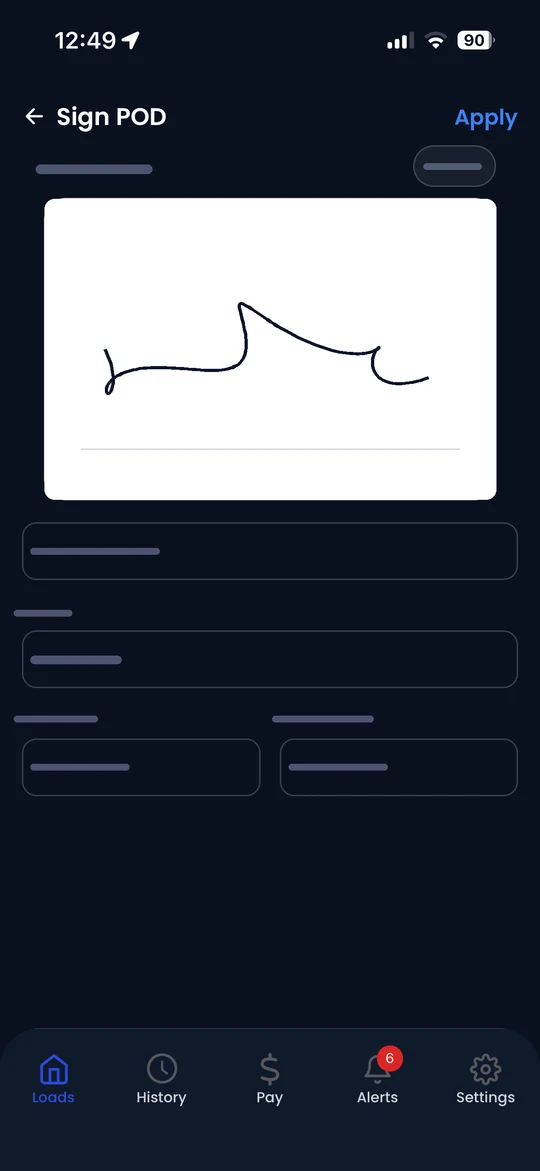
Proof of delivery
Capture the signature, times in and out.
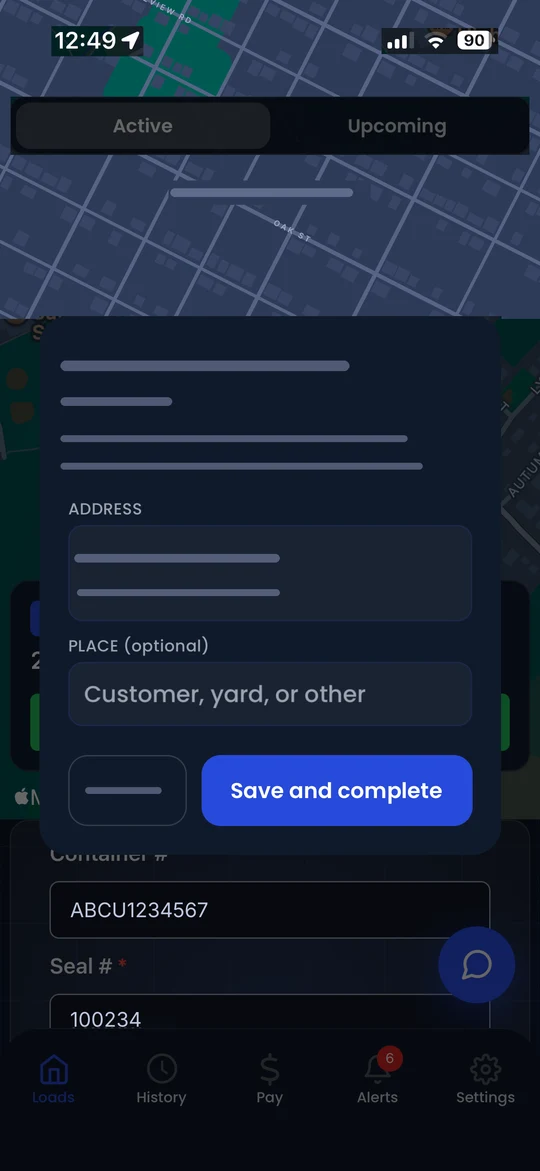
Chassis drop-off
Tell the office where the chassis was left.
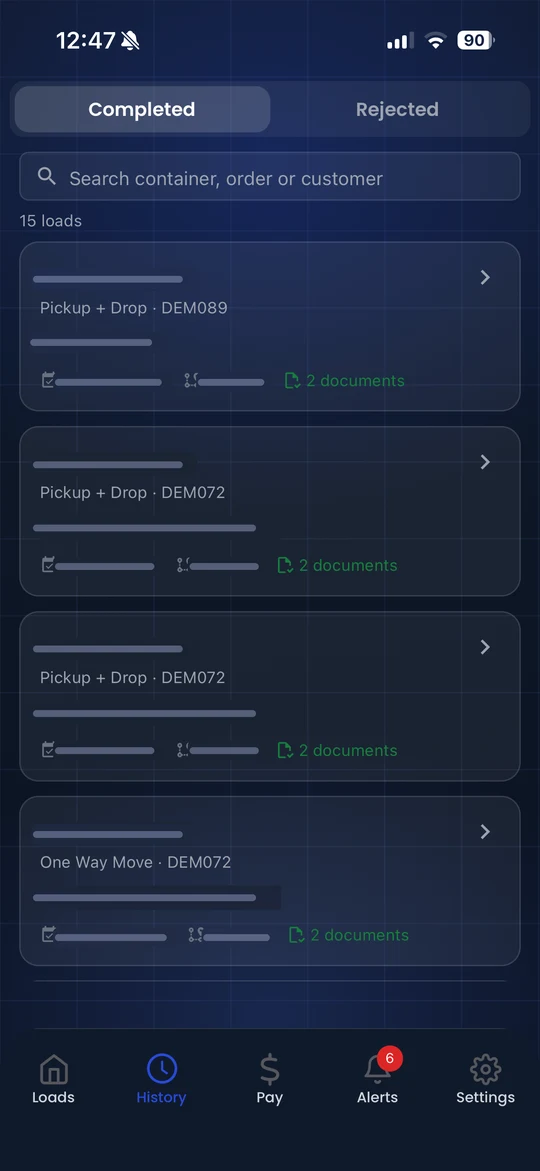
History
Completed loads, searchable by container.
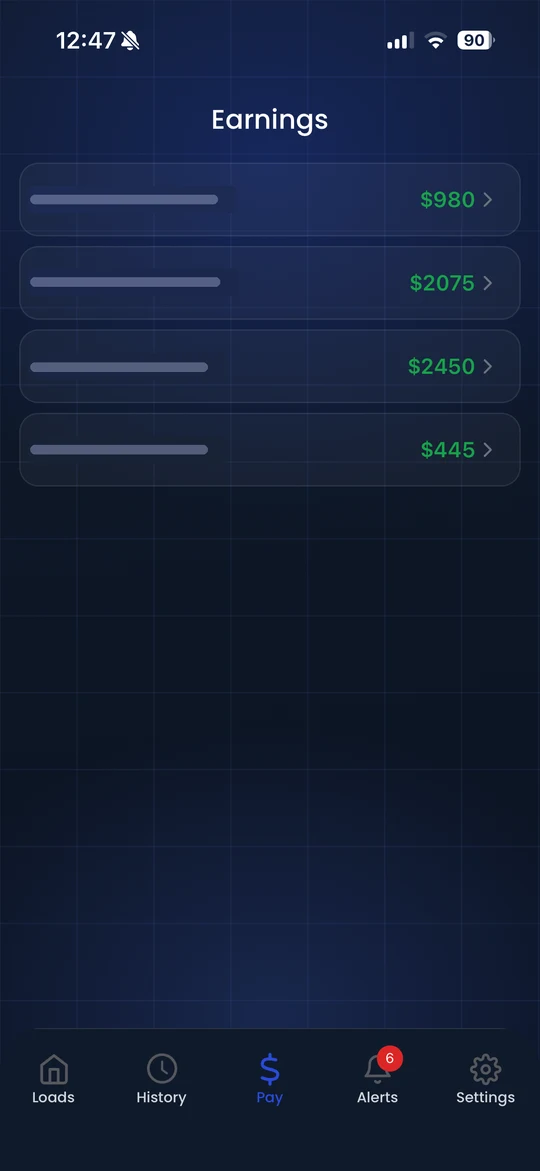
Earnings
Weekly pay at a glance.
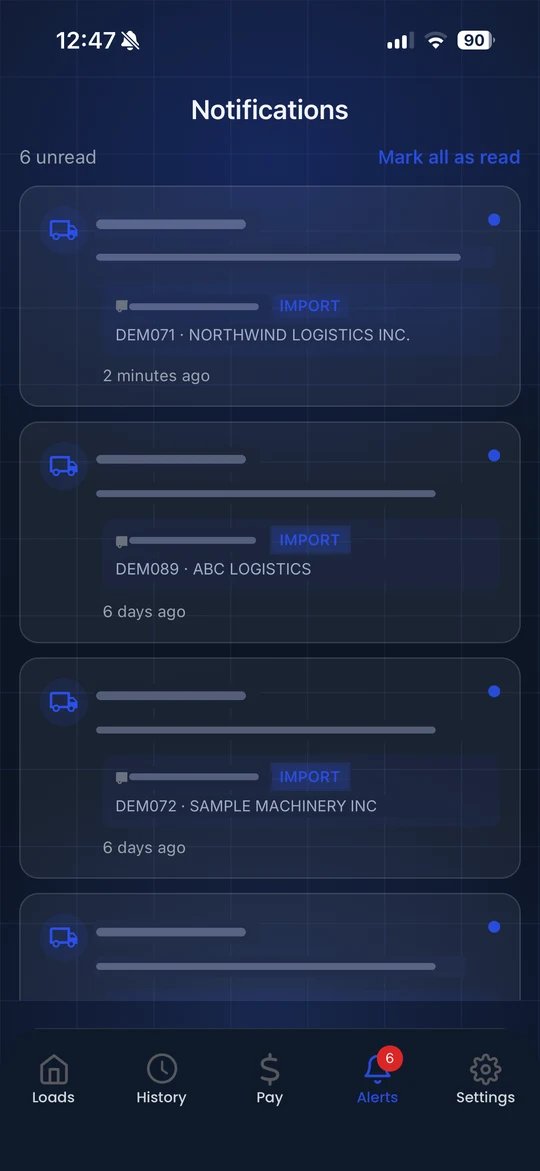
Alerts
New assignments the moment they happen.
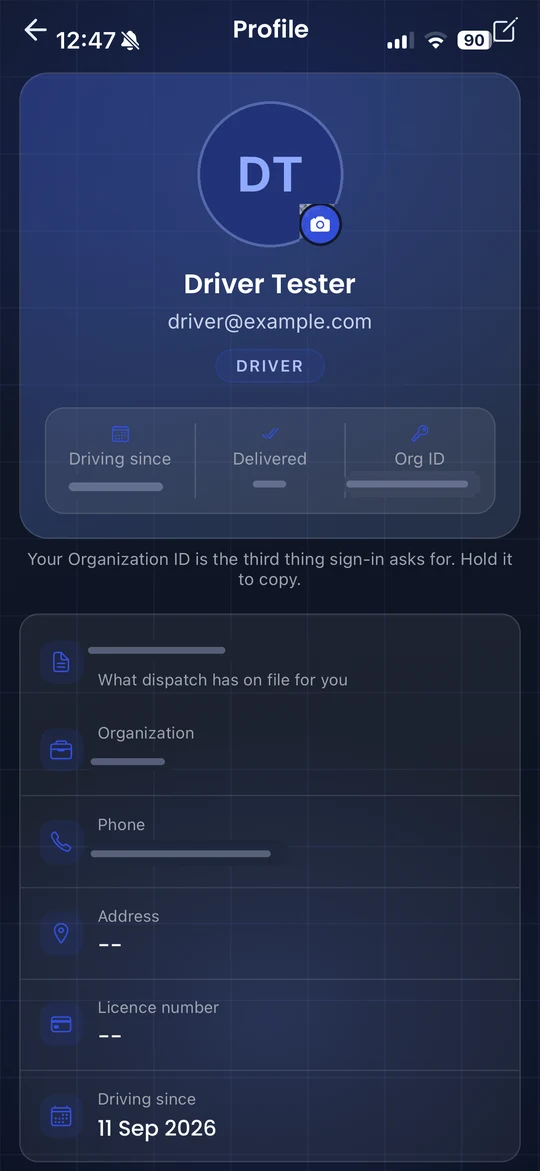
Profile
What dispatch has on file.
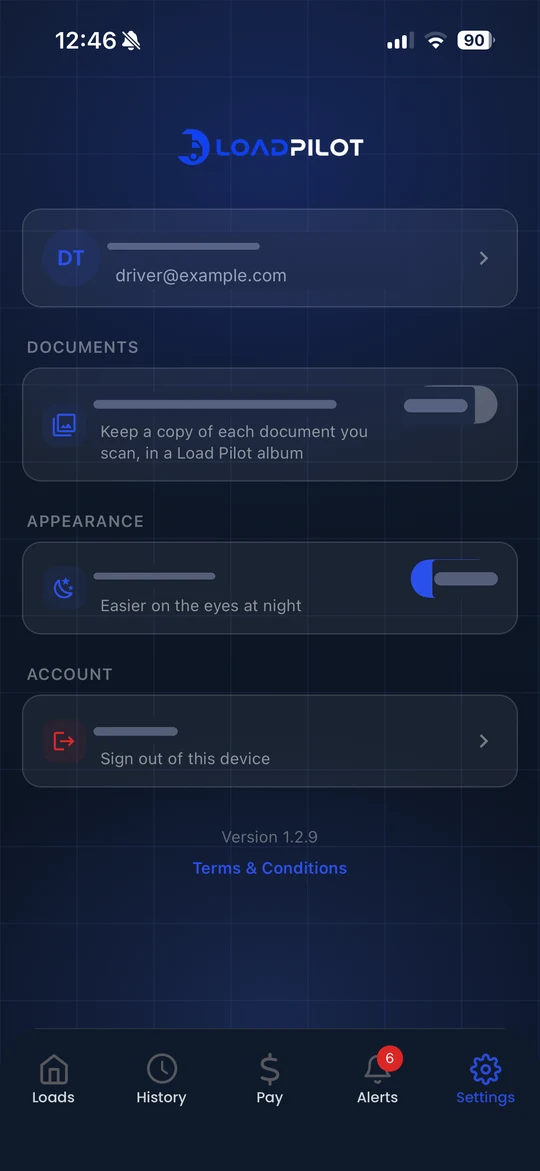
Settings
Scan saving, dark theme and sign out.
A mobile app that keeps drivers and dispatch aligned.
Drivers get the load. You get the paperwork. Give drivers a polished mobile experience for receiving loads, navigating, updating statuses, snapping BOL and POD photos, and chatting with dispatch from iPhone or Android. Documents land on the load in seconds.
- Dispatches, stops, and updates in one place
- Live route visibility for dispatch and drivers
- Photos, documents, and proof of delivery
- Fast in-app chat between driver and dispatcher


Designed for iPhone and Android workflows.
Works best with the rest.
Dispatch
Drag a load onto a driver. Watch every move live. Run fewer empty miles.
Learn more →Container Tracking
Terminal ETAs, availability and last-free-day alerts. On the load, where you need them.
Learn more →Payroll & Settlements
Pay rules live in the system. Settlements calculate from completed loads.
Learn more →See LoadPilot in action.
A 30-minute walkthrough using your kind of loads. Bring your toughest questions.