
Home / Features / Email to Dispatch
Features · Email to DispatchOrder emails in. Dispatches out.
Connect Gmail or Outlook once. Create each dispatch in one click.
Most orders still arrive by email. LoadPilot reads them for you, so your team stops copying containers, addresses and dates into a form.
Less admin. Fewer mistakes.
Gmail and Outlook
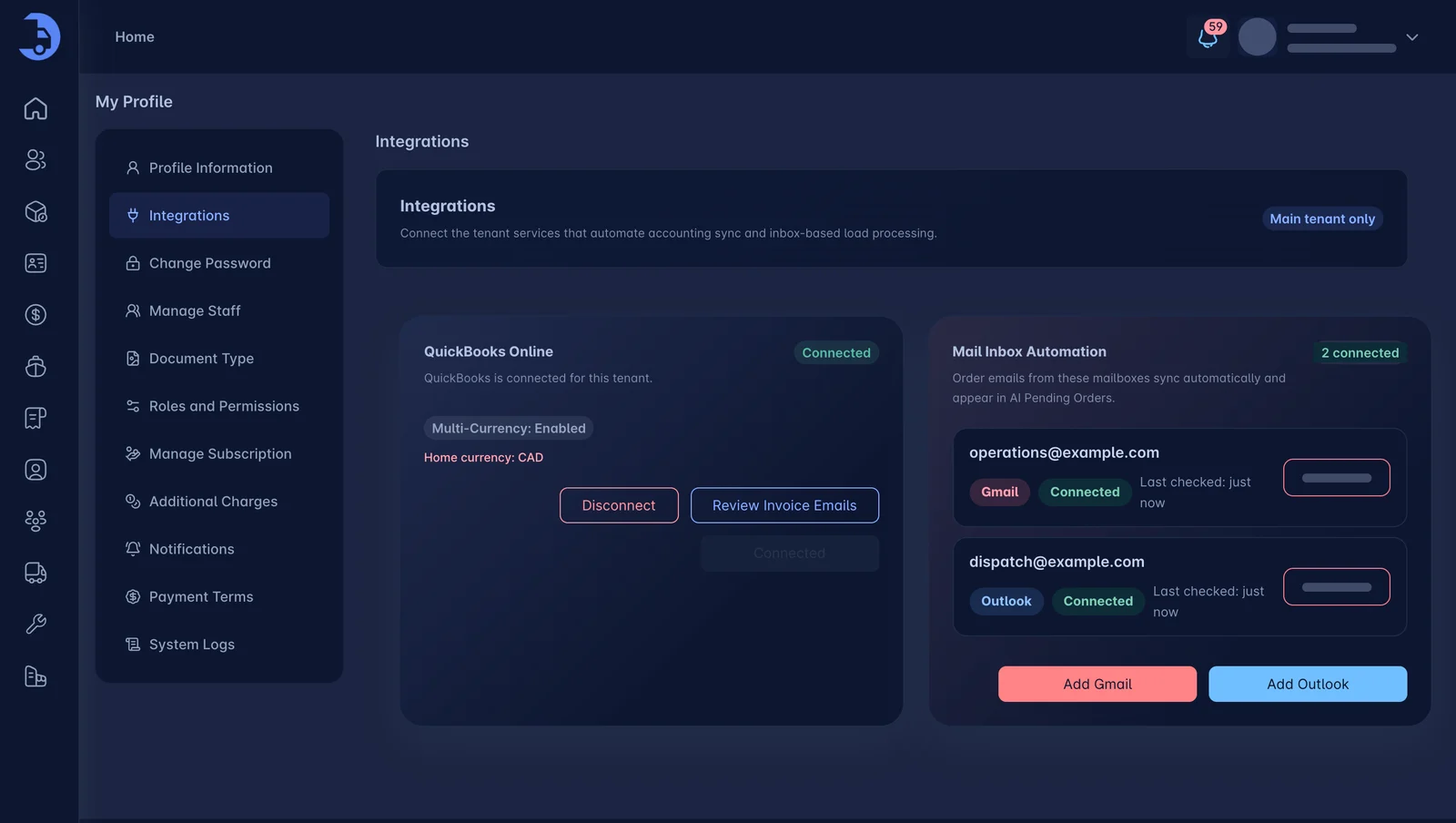
Connect one or several mailboxes from your account. Add or disconnect them whenever you like.
Emails sync on their own
New order emails appear in LoadPilot automatically. Nobody forwards, downloads or re-types anything.
One click to dispatch
Review the order and create the dispatch in one click. No manual data entry.
Connect a mailbox from Integrations.
Open Profile, then Integrations, and choose Add Gmail or Add Outlook. Booking emails from those mailboxes show up in AI Pending Orders, ready to turn into loads.
- Connect Gmail or Outlook
- Several mailboxes at once
- See status and last-checked time
- Disconnect anytime
Orders waiting for you, already filled in.
Pending orders arrive with the details pulled from the email. Check them, then create the dispatch. The load lands on the dispatch board like any other.
- Pending orders in one list
- Create the dispatch in one click
- Then assign a driver as usual
Works best with the rest.
Dispatch
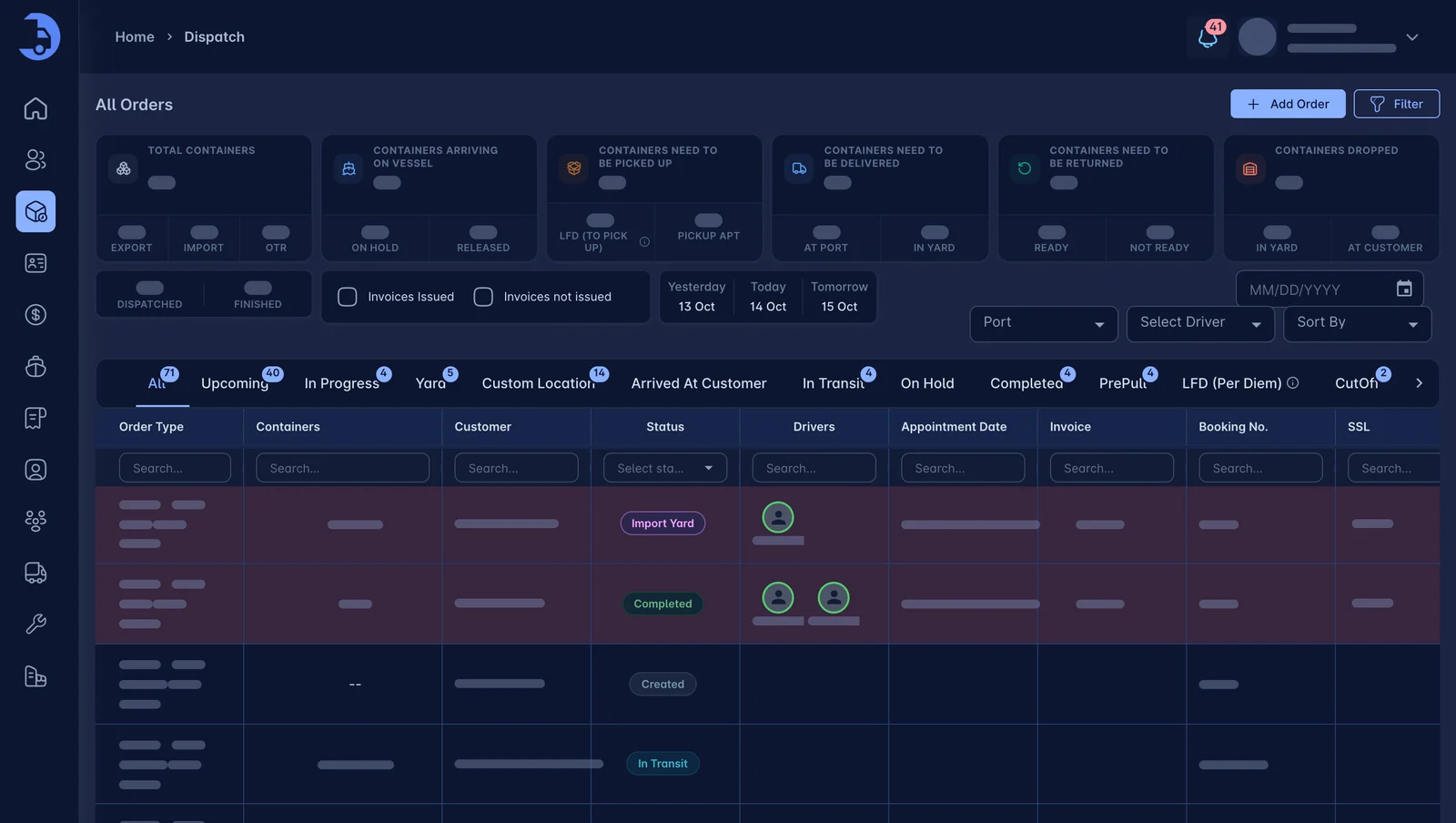
Drag a load onto a driver. Watch every move live. Run fewer empty miles.
Learn more →Container Tracking
Terminal ETAs, availability and last-free-day alerts. On the load, where you need them.
Learn more →Billing & Invoicing
Auto-rated loads, accessorials captured as they happen, and a direct sync to QuickBooks.
Learn more →See LoadPilot in action.
A 30-minute walkthrough using your kind of loads. Bring your toughest questions.